A complete beginner’s guide to Claude Code
What it is, what you can do with it, and how to learn it properly
“Break Into Senior Engineering Roles,” a live cohort course, the next cohort starts in March to help you prepare better and position yourself right for tech interviews and senior engineering roles. [Check Details Here]
If you are interested in levelling up to FAANG and 2x your compensation, you can reach out to my team at +91 90575 68392
Claude Code can feel confusing at first. People talk about it like magic, but beginners are left asking a very practical question:
What do I do with this, and how do I start?
This guide answers that and gives you clear next steps.
What Claude Code actually is
Claude Code is not autocomplete and not just a chat window that knows programming.
It’s an agent that can:
Read your project files
Understand structure and dependencies
Ask clarifying questions
Propose a plan
Change multiple files safely
You give it intent
You review decisions
It does the execution
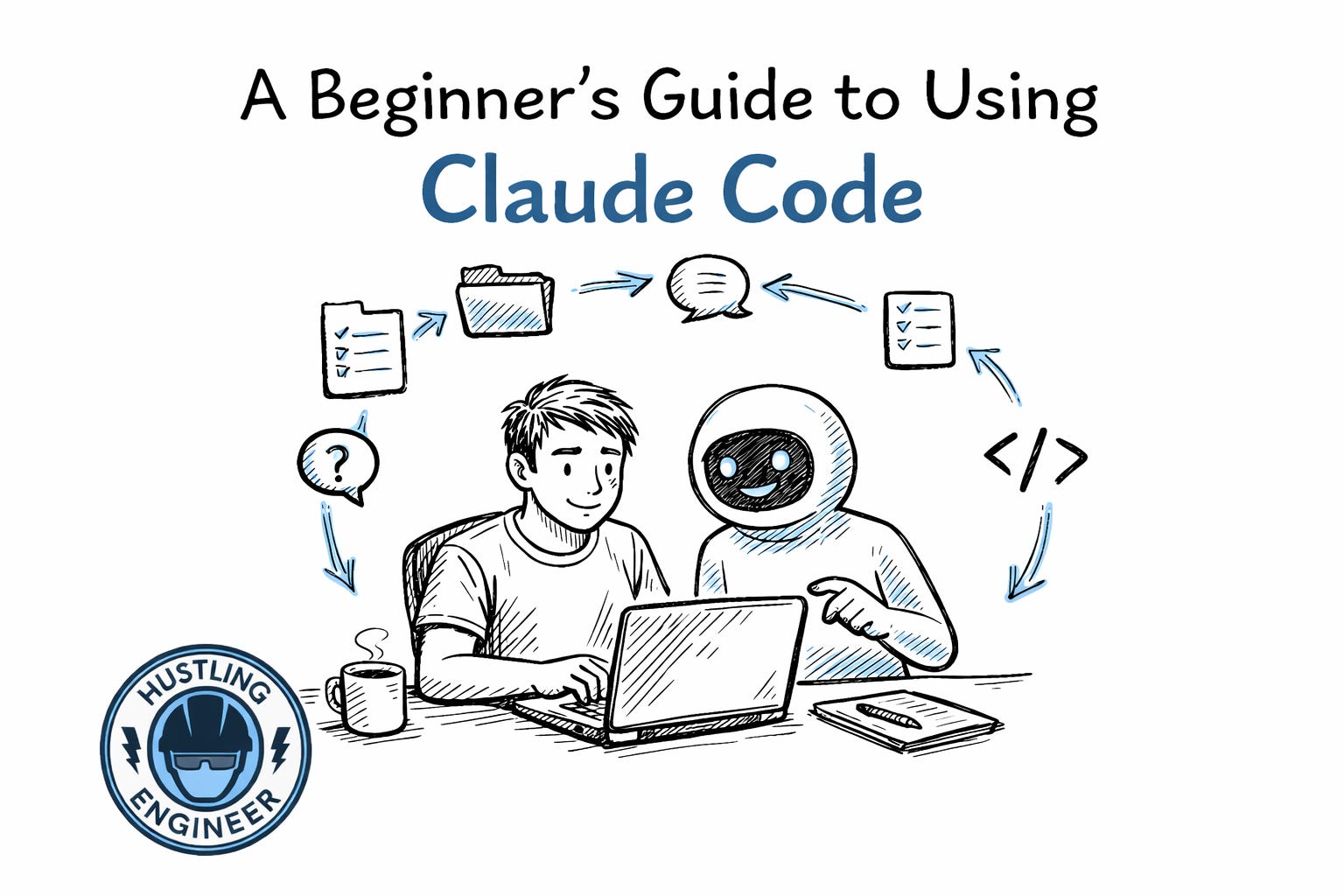
That collaboration loop is the key idea
How Claude Code works (the mental model)
Most successful sessions follow the same pattern:
You describe the goal
Claude asks questions
Claude proposes a plan
You review and adjust
Claude edits files
You verify the result
If you skip the plan, results get worse.
Planning is where quality comes from
How beginners should use Claude Code?
Starting a new project
Claude Code is excellent at scaffolding.
You can ask it to:
Create a new app
Choose a common stack
Set up folders and configs
Explain what each file does
This removes the “blank screen” problem and gives you something concrete to learn from.
Understanding an existing codebase
This is one of the most valuable beginner use cases.
Claude Code can:
Summarize what a repo does
Explain the folder structure
Identify important files
Walk through how things connect
This is especially helpful when joining a new team or picking up an old project.
Making small, safe changes
Instead of touching everything at once, start small.
Claude Code is great for:
Changing text in the UI
Adding a simple feature
Adjusting logic
Updating configs
It explains why it’s changing things, which helps you learn.
Debugging
You don’t need to know where the bug is.
You describe:
What’s happening
When it happens
What you expected instead
Claude Code searches the codebase, explains the cause, and proposes a fix before making changes.
How to write good prompts (no tricks required)
You don’t need fancy prompt engineering.
A good prompt includes:
The outcome you want
Any constraints you care about
A request for clarification if needed
If unsure, say:
“Ask me questions before making changes.”
That alone improves results dramatically.
Why plan mode matters so much
Plan mode forces Claude to think before acting.
In plan mode:
No code is written
Design decisions are surfaced
Tradeoffs are explained
For beginners, this is where most learning happens. Treat the plan like a design review.
Safe habits every beginner should follow
A few basics make experimentation stress-free:
Commit before large changes
Work in branches
Review diffs carefully
Avoid auto-accept early on
Claude makes changes fast. Git makes them reversible.
Growing beyond beginner usage
Use a Claude MD file
Claude MD is a simple text file that gives Claude persistent context.
You can include:
Tech stack details
Coding conventions
Architecture decisions
Rules like “never change X”
Every time Claude makes a mistake, update the file. Over time, the agent improves automatically.
Use Claude for thinking, not just typing
Some of the best sessions don’t write code at all.
Claude can help you:
Compare design options
Break down large tasks
Identify risks early
Plan before execution
This is where it starts to feel like a senior engineer.
Let Claude verify its own work
Claude performs much better when it can see outcomes.
Encourage it to:
Run tests
Start the dev server
Open the app in a browser
Feedback loops matter for AI just like they do for humans.
How to get started (step by step)
Install Claude Code
👉 https://docs.anthropic.com/en/docs/claude-codeConnect it to a small project
Start with something low-risk.Ask Claude to explain the project
Don’t change anything yet.Ask for a plan to make one small change
Review the plan carefully.Approve the change and run the app
High-quality resources to learn more
Official documentation
Claude Code overview
https://docs.anthropic.com/en/docs/claude-codeClaude Code CLI and IDE usage
https://docs.anthropic.com/en/docs/claude-code/cliClaude Code GitHub Actions
https://docs.anthropic.com/en/docs/claude-code/github-actions
Articles and explainers
Agentic AI explained by Anthropic
https://www.anthropic.com/researchTool-using language models (blog-level)
https://www.anthropic.com/news
Research papers (optional, deeper understanding)
ReAct: Reasoning and Acting in Language Models
https://arxiv.org/abs/2210.03629Toolformer: Language Models Can Use Tools
https://arxiv.org/abs/2302.04761Alignment and safety work at Anthropic
https://www.anthropic.com/safety
You don’t need to read all of these. Even one or two will sharpen how you think about Claude Code
Final Thoughts
Claude Code doesn’t replace learning
It removes friction
Instead of getting stuck on setup, syntax, or boilerplate, you stay focused on understanding and intent. You learn by seeing real changes, not by staring at docs.
Over time, you’ll notice something important:
You spend less time fighting code
and more time deciding what to build.
How I can help further?
Join my cohort
“Break Into Senior Engineering Roles,” a live cohort course to help you prepare better and position yourself right for tech interviews and senior engineering roles. [Check Details Here]Be a Paid Subscriber
You can get maximum benefit of the high-performer community by being a paid subscriber here. Here are the benefits you getSponsor this newsletter
Want to reach 24,000+ senior engineers and tech leaders? [See sponsorship options]Digital Products
Check out my digital products to help you grow better as a Software Engineer and Leader in Tech
Stay in touch
Find me on
Any questions? Just email me at hemant.pandey17@gmail.com