How to be a 'SOLID' Programmer
Deep Dive into SOLID principles in Programming

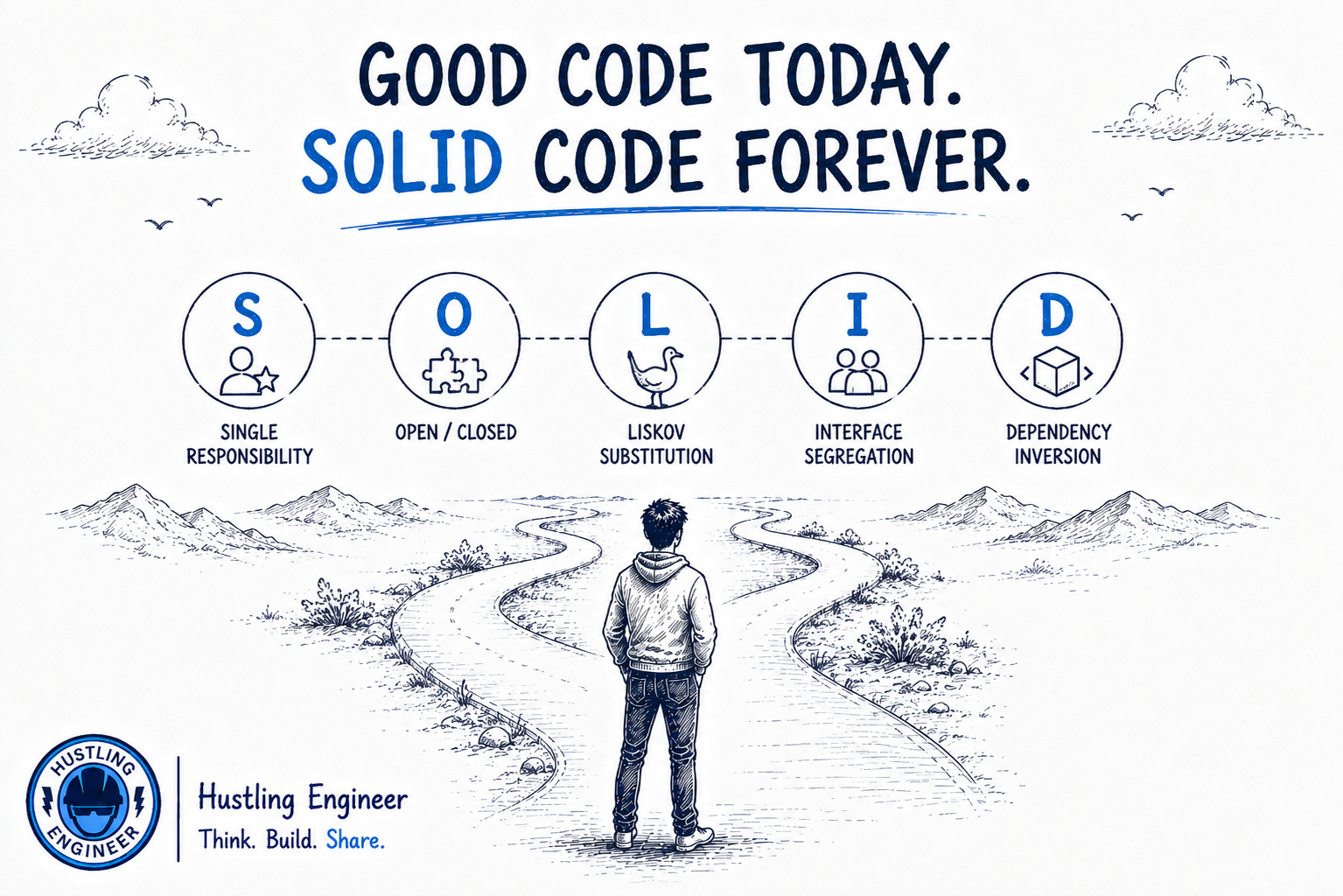
Robert C. Martin grouped these 5 principles under the acronym “SOLID” in the early 2000s. The acronym was first mentioned in a 2004 paper, Design Principles and Design Patterns
Let’s dive deep into each of these
1. Single Responsibility Principle (SRP)
Definition
A class should have only one reason to change, meaning it should have only one responsibility or job.
Why It’s Important
If a class has multiple responsibilities, a change in one responsibility might require changes in the other. This can lead to tightly coupled code, making it harder to maintain, test, and understand.
Detailed Example:
Let’s consider an example where a User class handles both authentication and data management.
Initially, it might seem convenient to put everything in one class:
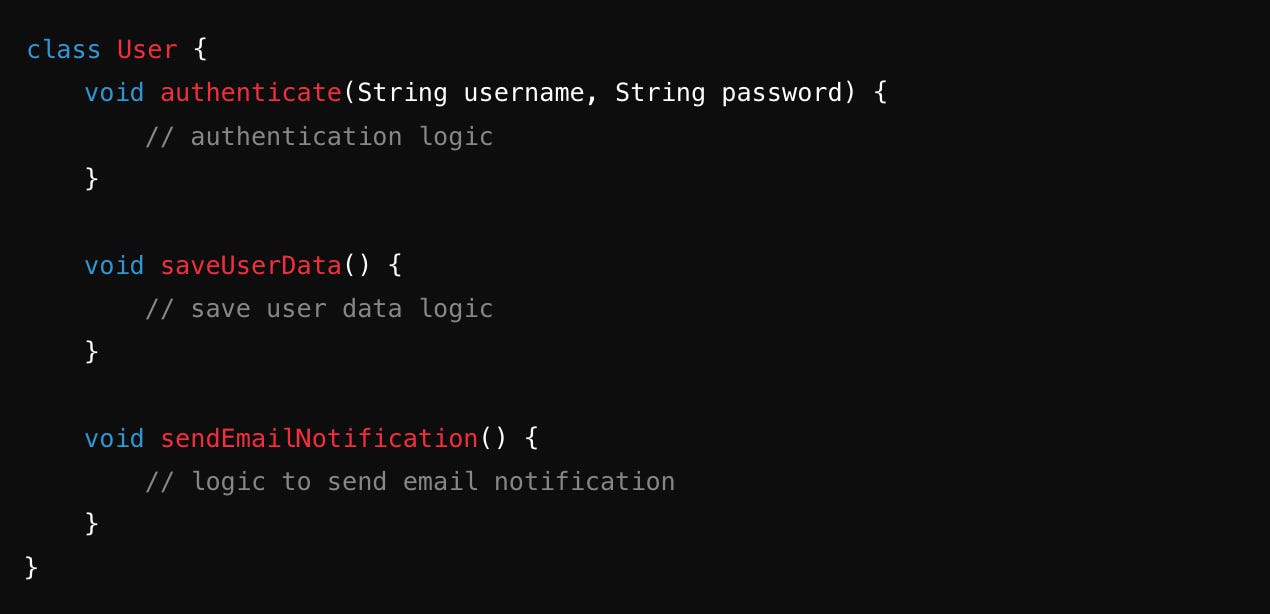
This User class is now responsible for:
Authentication
Managing user data.
Sending notifications.
If you need to change how notifications are sent, you’d have to modify the User class, potentially breaking something else.
To follow SRP, you can split this into three different classes:
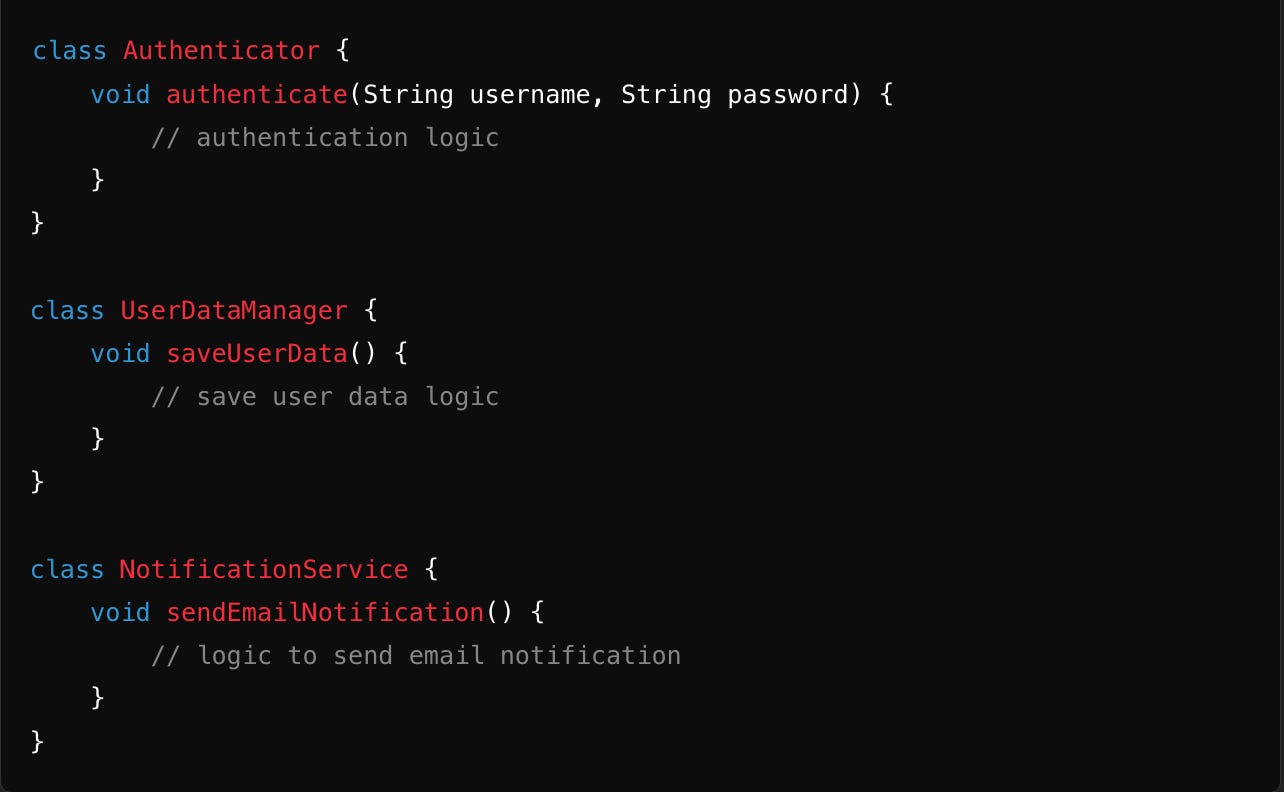
Now, each class has a single responsibility:
Authenticatorhandles authentication.UserDataManagerhandles user data.NotificationServicehandles notifications.
The code becomes easier to manage, test, and extend.
2. Open/Closed Principle (OCP)
Definition
Software entities like classes, modules, and functions should be open for extension but closed for modification.
Why It’s Important
When a class is closed for modification, you reduce the risk of introducing bugs into existing functionality. Instead of modifying existing code, you add new code, which is easier to test and integrate.
Detailed Example
Consider a scenario where we want to calculate the area of different shapes. Initially, you might write something like this:
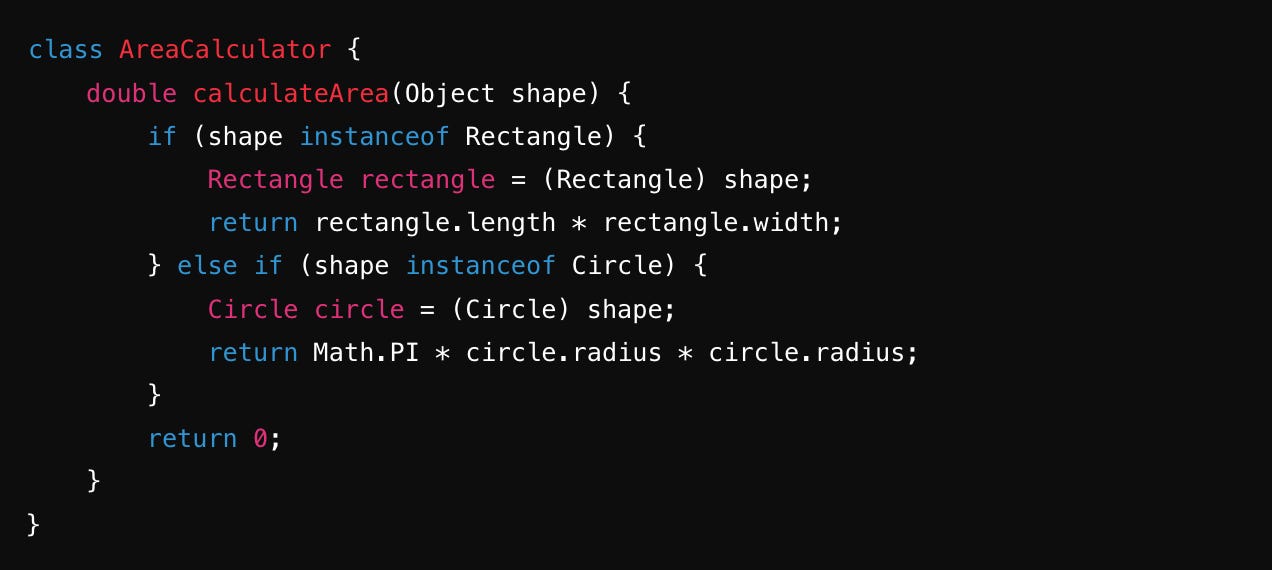
This approach violates the OCP because every time a new shape is added, you need to modify the AreaCalculator class, increasing the risk of errors.
A better approach here is
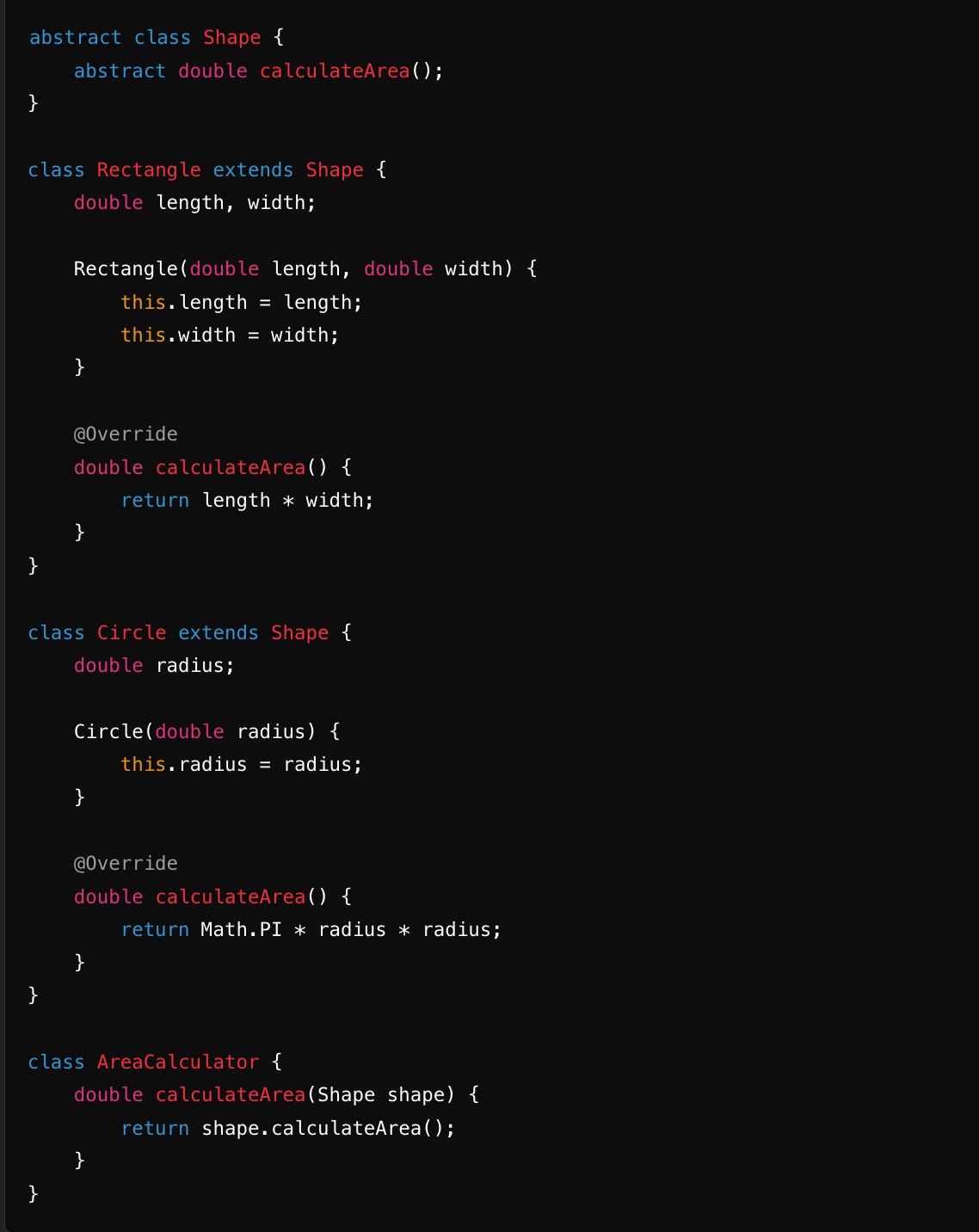
Now, if you want to add a new shape, such as a Triangle, you simply create a new class extending Shape:
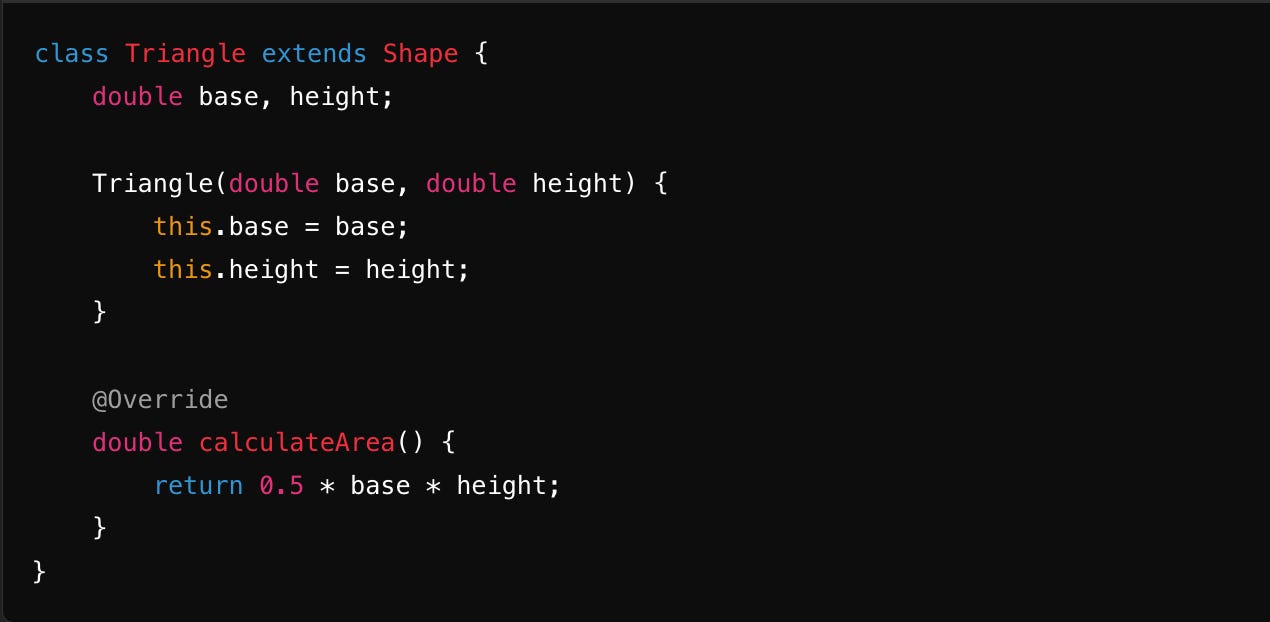
The AreaCalculator class doesn’t need to be modified.
This is a paid subscriber exclusive article and rest of the article can only be accessed if you are a paid member.
You can get maximum benefit of the high-performer community by being a paid subscriber here. Here are the benefits you get